Adding a person
Create a profile, enter dates and places, and link to relatives.
Create a new profile
- In the sidebar click People, then Add a person.
- Enter the given name(s), surname, and sex.
- Click Save.
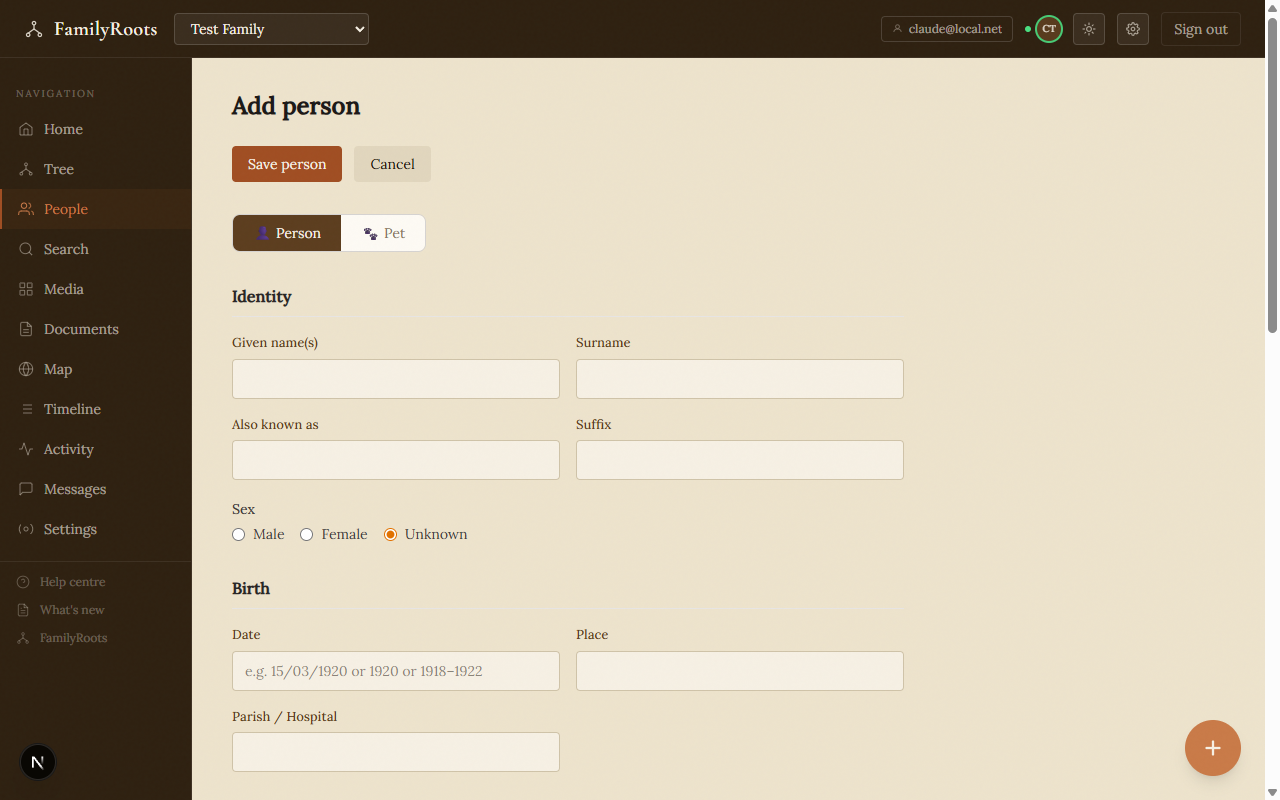
The new person form — name, sex, dates, places, and occupation fields.
Dates and places
FamilyRoots accepts partial dates. Enter a year only, a month and year, or a full date. Tick Estimated date for approximate values.
- Birth — date, place, parish or hospital
- Death — date, place, cause
- Burial — cemetery, plot reference
Relationships
Open a person's profile and use the Relationships section.
Add parents
- Open the child's profile.
- Click Add a parent.
- Search for an existing profile or create a new person.
Add a child
- Open the parent's profile.
- Click Add a child.
Add a spouse
- Open either partner's profile.
- Click Add a spouse.
- Choose the union type: civil, religious, or partnership.
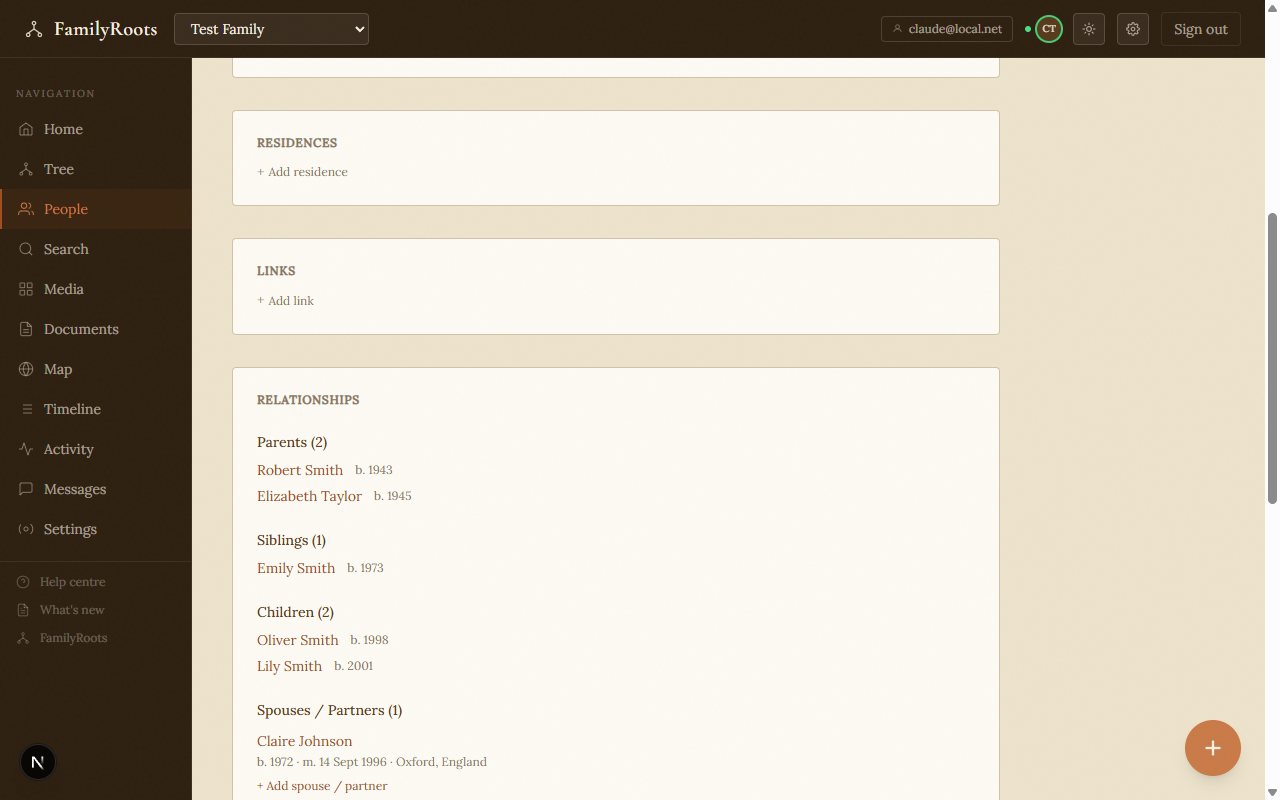
The Relationships section on a person's profile showing parents, siblings, children, and spouse.
Portrait
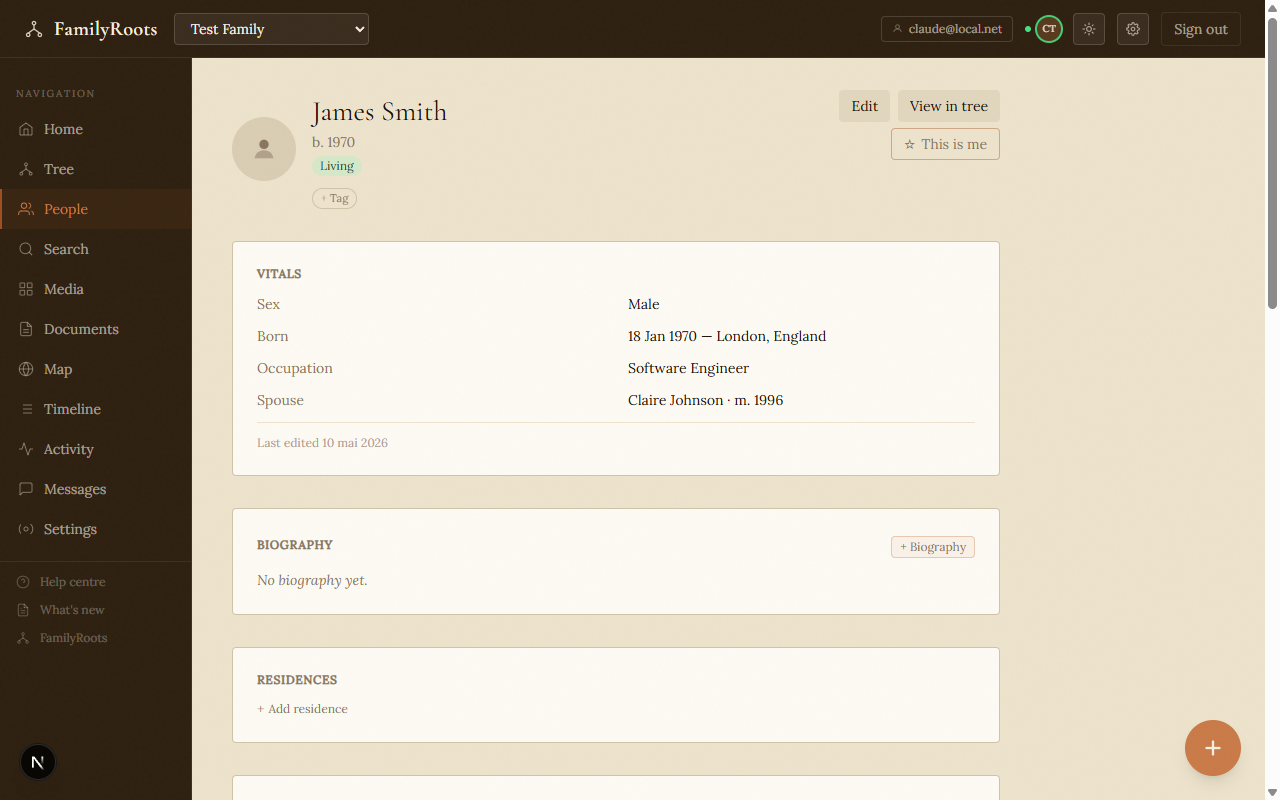
A person's profile page showing their vitals and portrait placeholder.
- On a person's profile, open the Media tab and upload a photo.
- Hover the photo and click Set as portrait.
The portrait appears in tree views and the people list.
Biography and notes
- Biography — rich text visible to all members.
- Private notes — encrypted, visible only to you. Use them for research leads, unverified sources, or personal observations.