Messages
Use the built-in group discussion board.
Access
Click Messages in the sidebar. All members — including Viewers — can read and post messages.
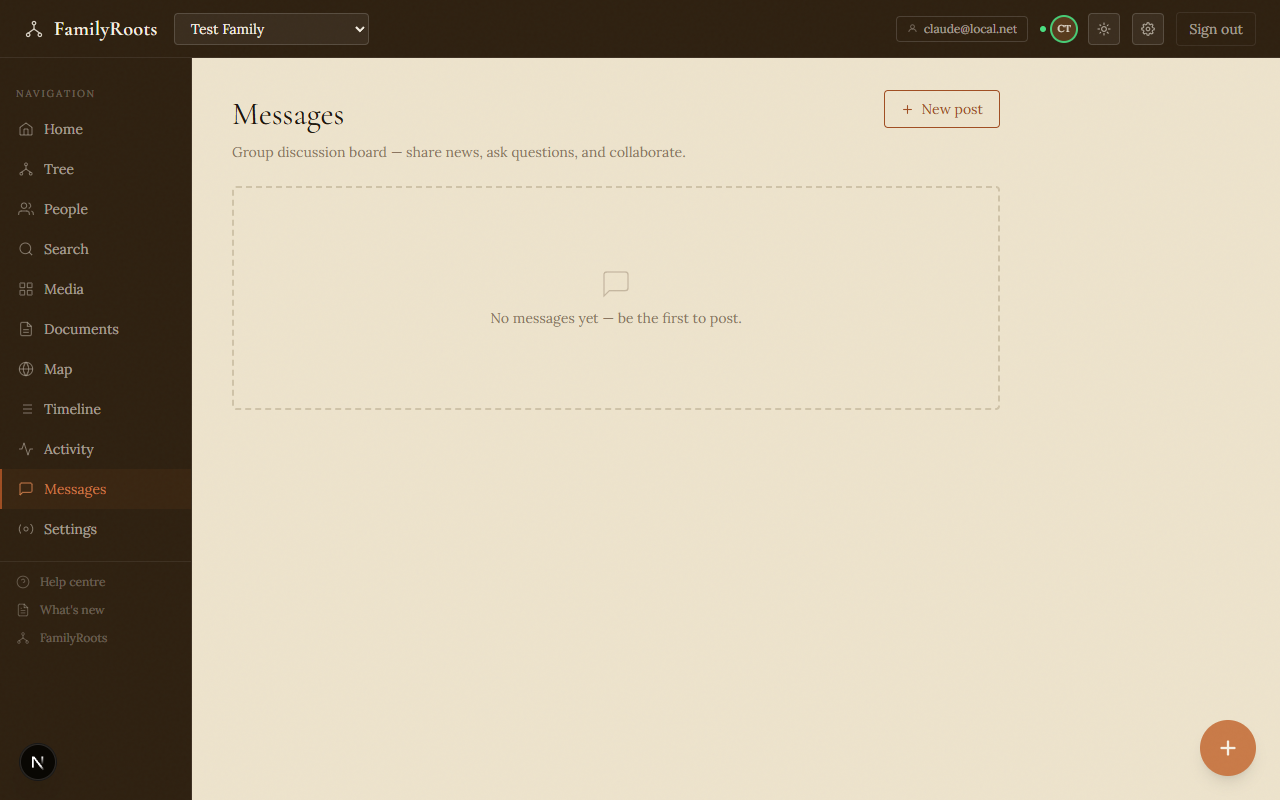
The Messages board showing the group discussion area.
Create a post
- Click New post at the top of the page.
- Choose a category:
- Announcement — important news for the whole group.
- Discussion — open conversation about family history or memories.
- Question — ask members to help identify a person, date, or place.
- Enter a clear title and your message body.
- Click Post.
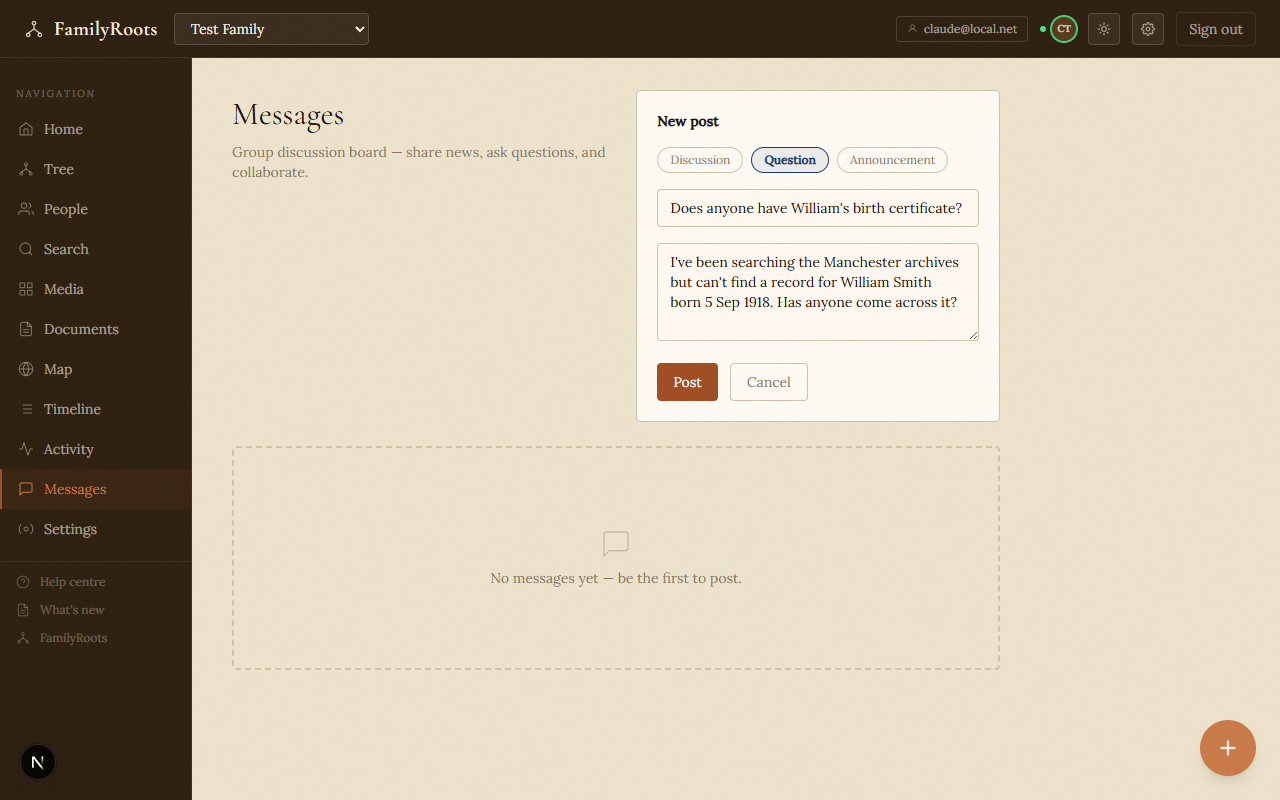
The new post form with category selector, title, and message body fields.
Reading posts
Posts appear in reverse chronological order, newest first. Pinned posts always appear at the top.
Edit a post
The author can edit their post at any time using the Edit button. An edited indicator appears in the footer after any change.
Pin a post (administrators)
- On the post, click the 📍 icon.
- The post moves to the top and displays the 📌 icon.
- Click again to unpin.
Delete a post
- The author can delete their own post at any time.
- An administrator can delete any post in the group.
Deletion is permanent and requires confirmation.
Dismiss a changelog announcement
FamilyRoots version announcements show a Dismiss button. Clicking it removes the announcement from your view permanently — other members are not affected.