Getting started
Create your account, join a group, and find your way around the interface.
Create your account
- Go to the FamilyRoots sign-in page and click Create an account.
- Enter your email address, full name, and a password (minimum 8 characters).
- Click Create account.
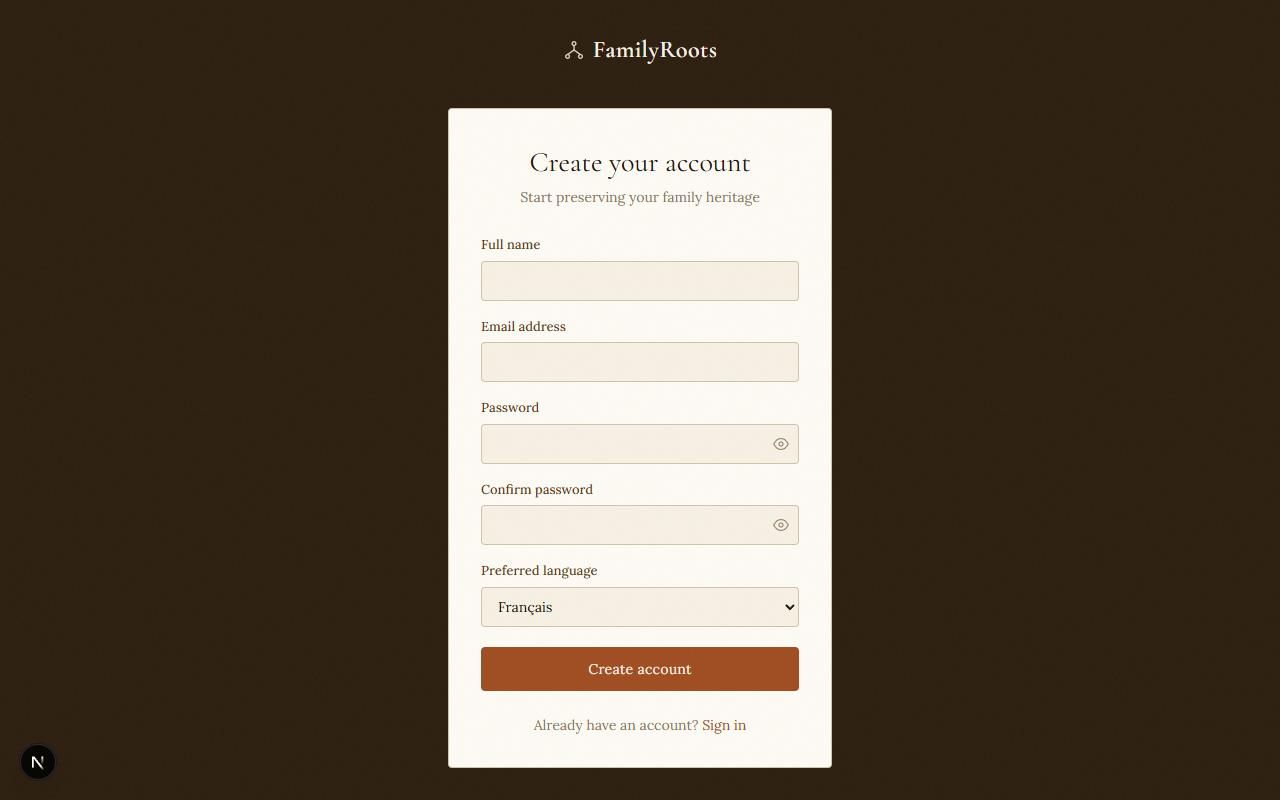
The registration form — enter your name, email and password to create your account.
Create a family group
A family group is the shared space where you and your relatives build the tree together.
- After signing in, click Create a family group.
- Give your group a name (e.g. Smith Family) and an optional description.
- Click Create family.
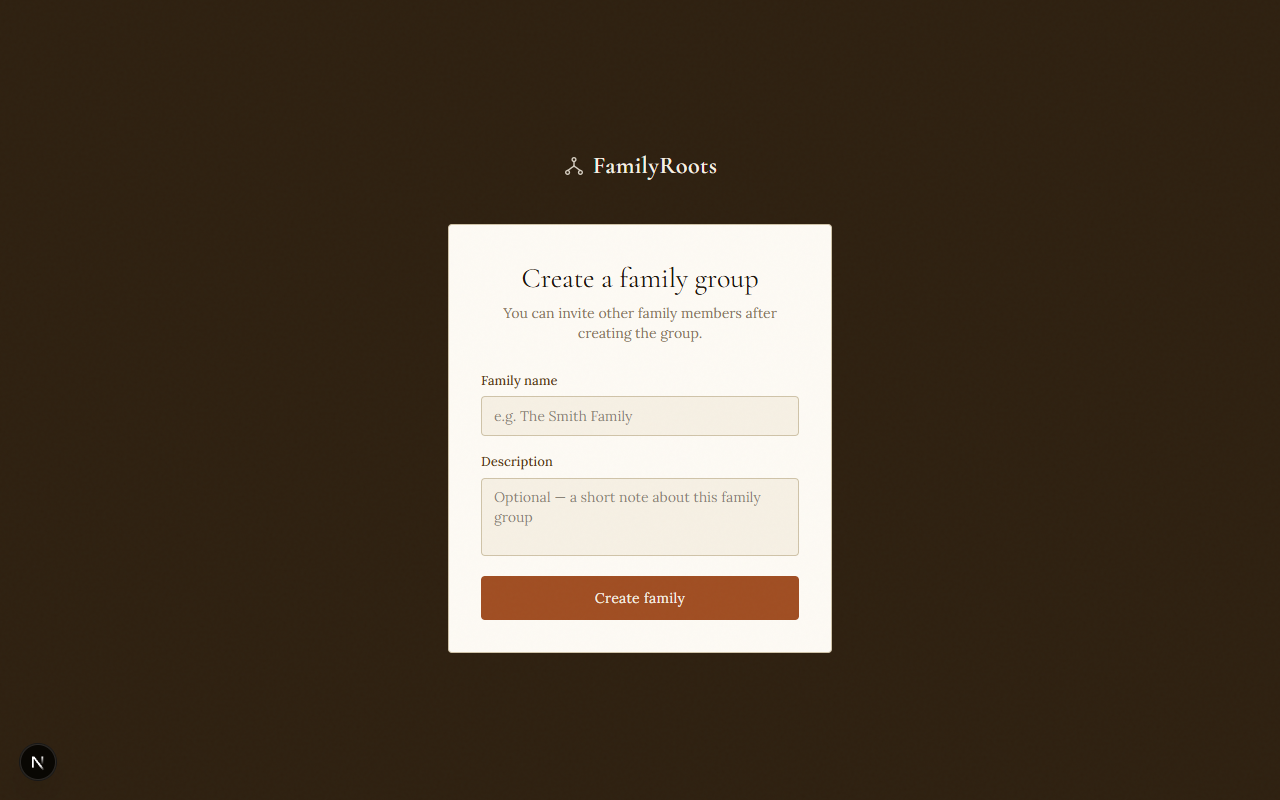
The create family group form.
Join an existing group
If a family member has already created a group, you can join in two ways:
- By email invitation — click the link in the invitation email you received.
- By join code — go to Join a family and enter the code shared with you.
The interface
Once inside a group:
- The sidebar on the left gives access to all sections: tree, people, media, map, timeline, activity, messages, and settings.
- The home page shows a summary: person count, recent events, upcoming birthdays.
- The family switcher at the top lets you move between groups if you belong to more than one.
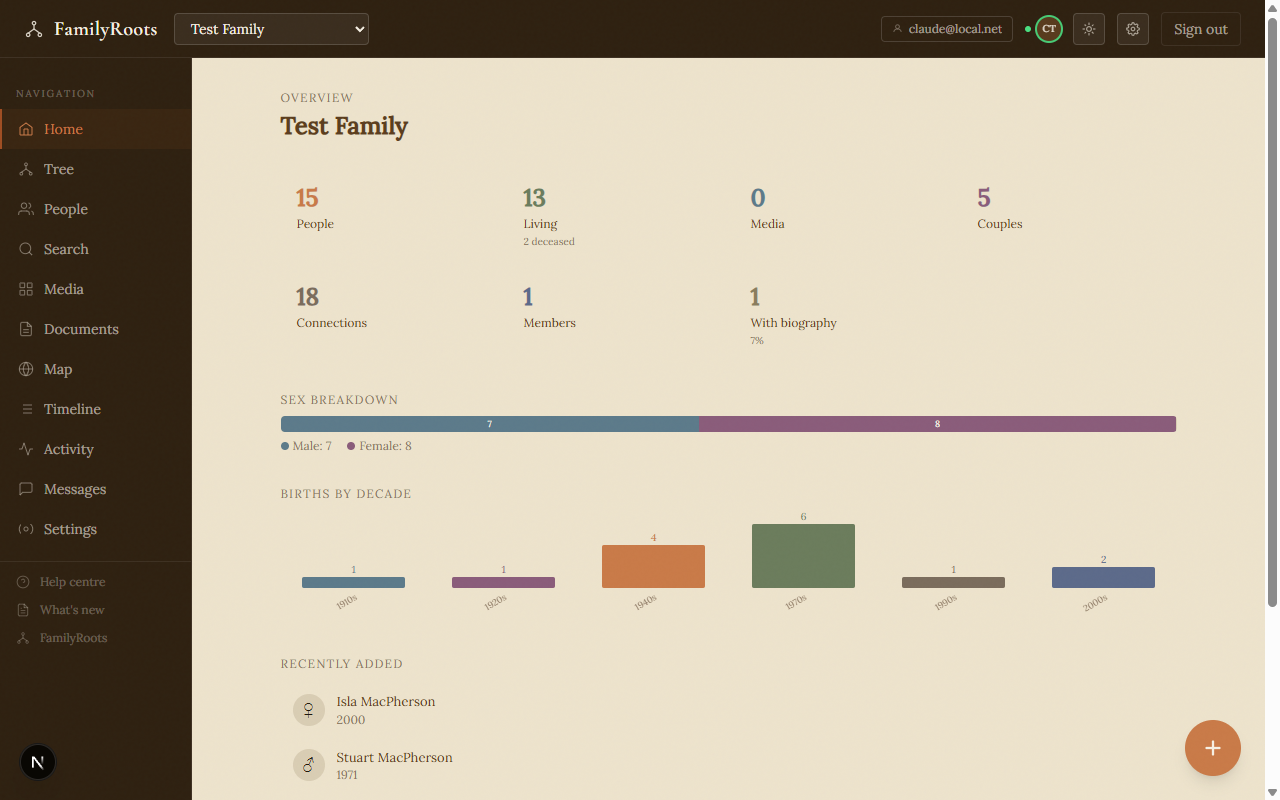
The main interface — sidebar navigation, family switcher, and home page summary.