Tree views
Five visualisation modes and how to navigate them.
FamilyRoots offers five tree views, accessible from the Tree section in the sidebar.
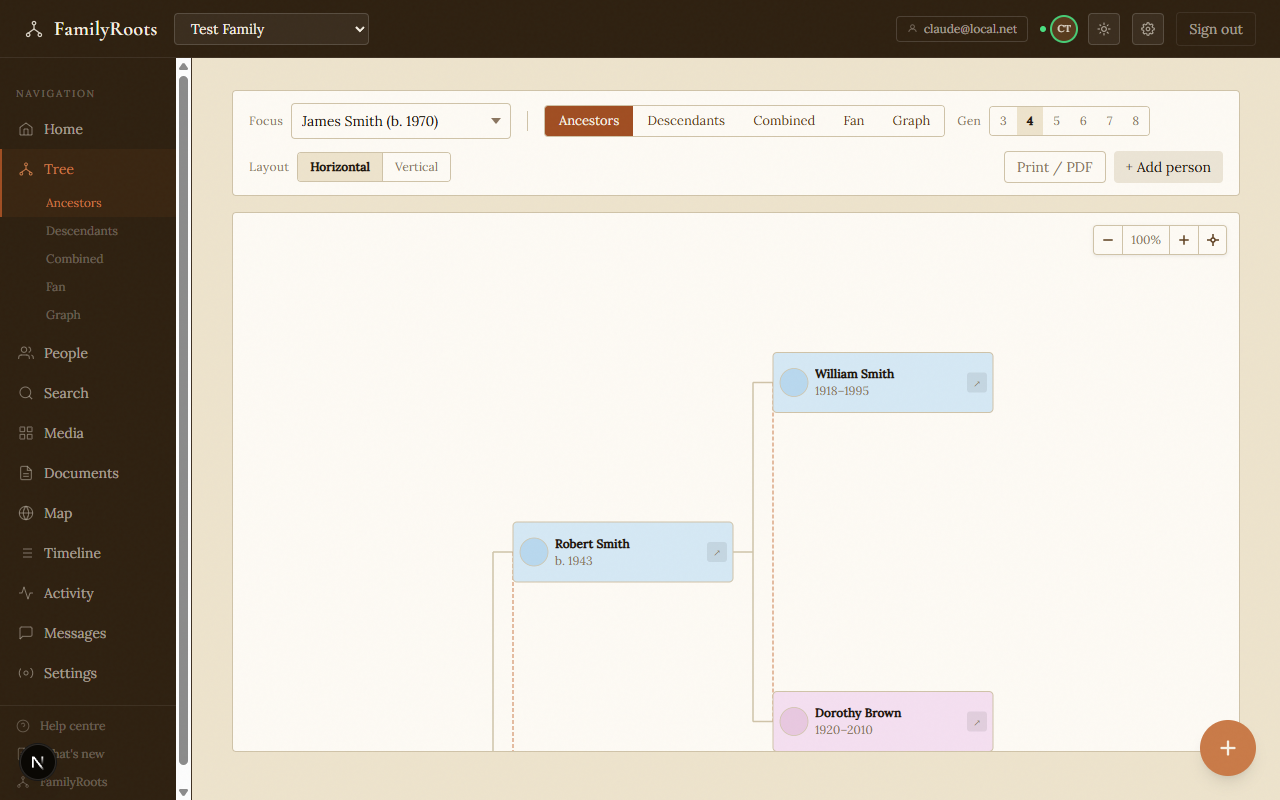
Ancestor view (pedigree)
Shows the ancestors of the focal person, generation by generation, left to right (horizontal) or bottom to top (vertical).
- Depth — adjust the slider to display 1 to 6 generations.
- Change focus — click any ancestor to make them the focal person.
- The ↗ button on each card opens the person's full profile.
Descendant view
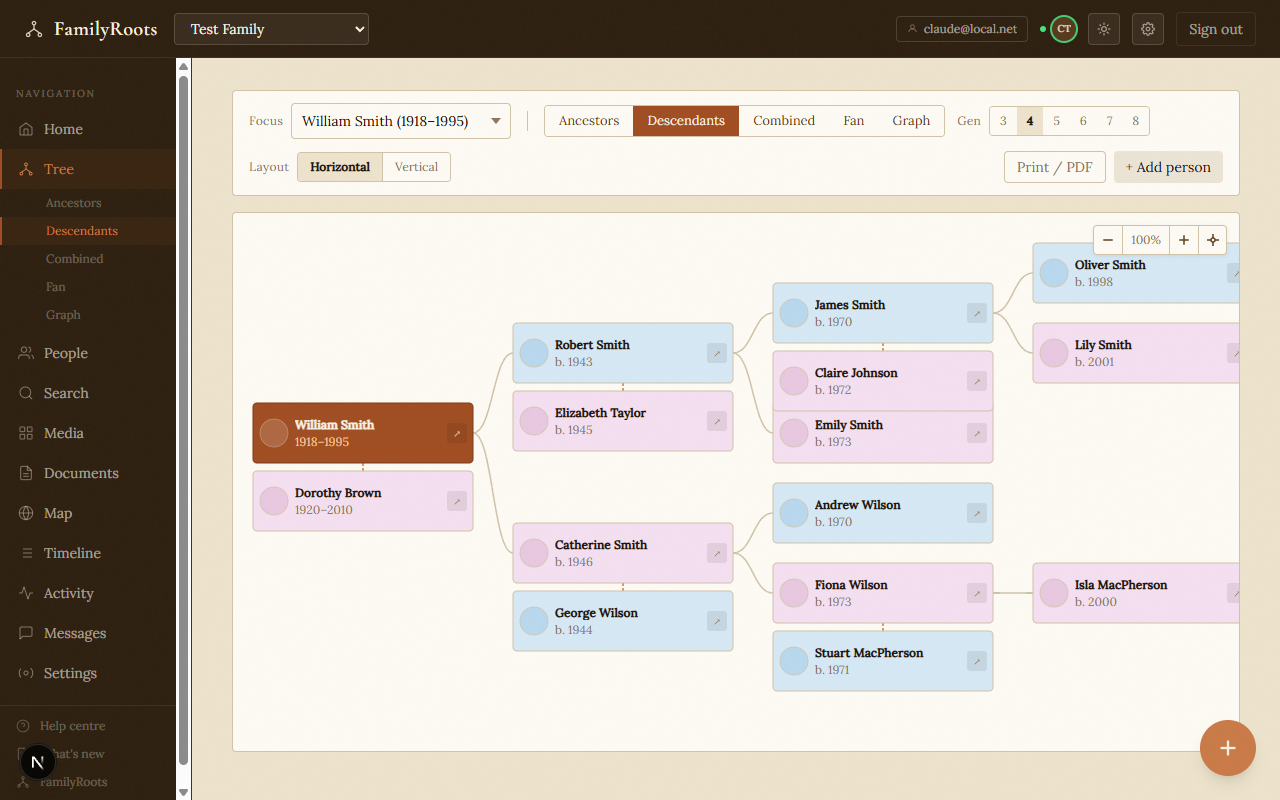
Shows all descendants of the focal person, with successive spouses where applicable.
- Dashed orange lines represent marriages/unions.
- Dotted cards indicate people who belong to a linked external group.
- Switch between horizontal and vertical layout.
Combined view
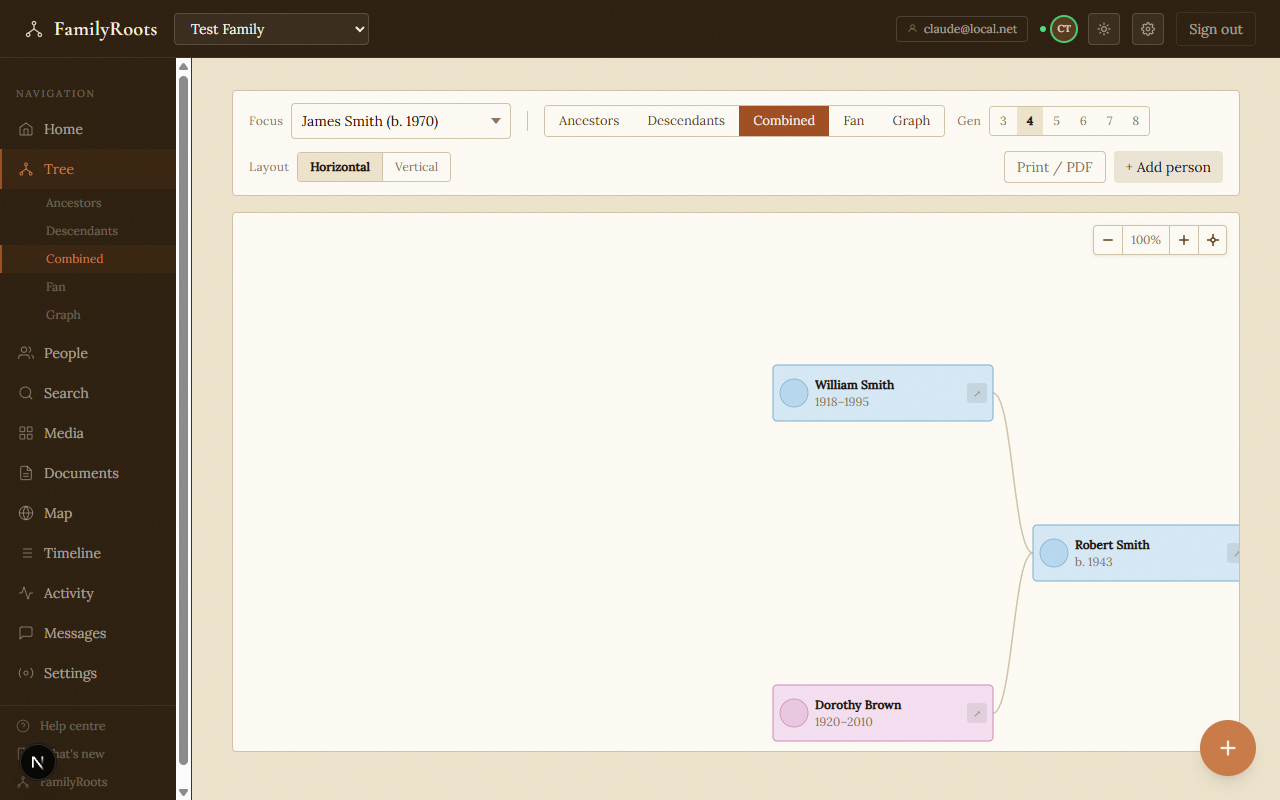
Shows ancestors above and descendants below the focal person simultaneously — the most complete view for placing someone in the full tree.
Fan chart
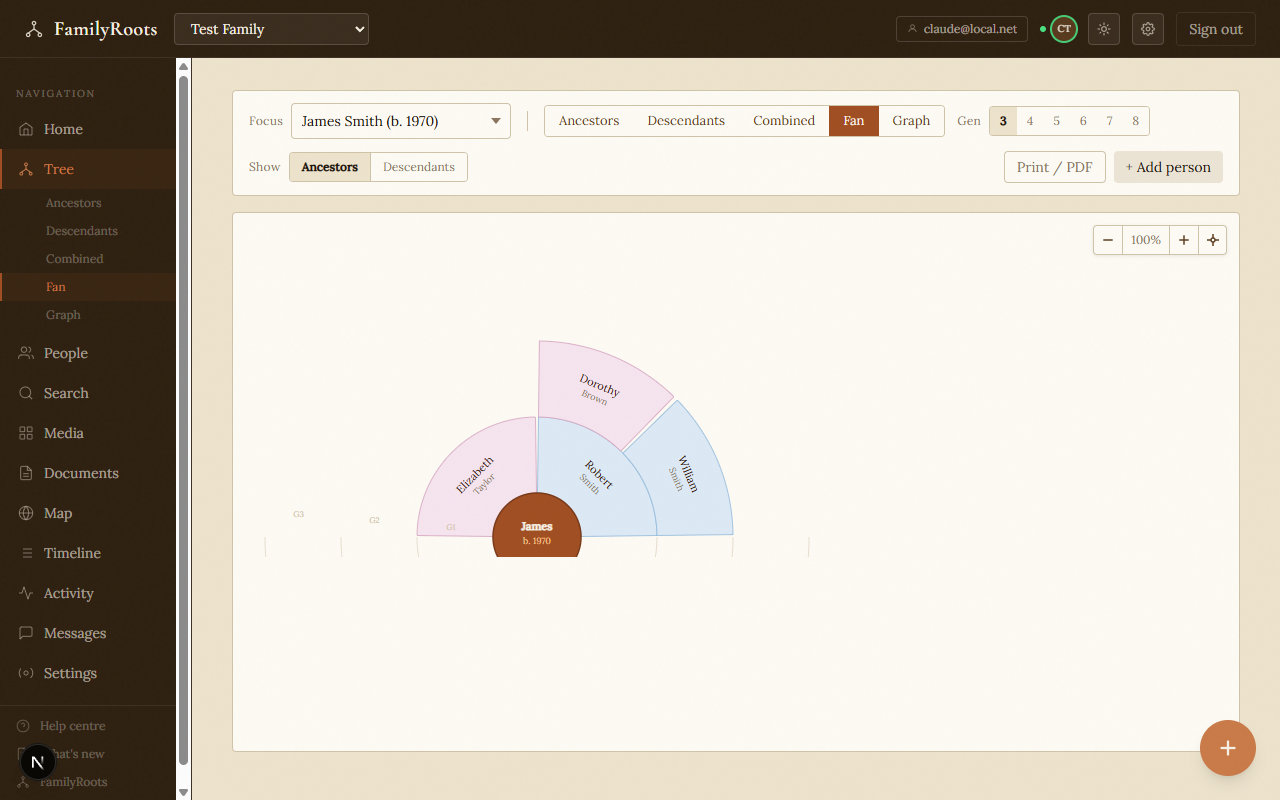
Circular layout: the focal person is at the centre and ancestors or descendants radiate outward in coloured arcs.
- Blue segments — men; pink — women; beige — unspecified.
- Click a segment to move the focus to that person.
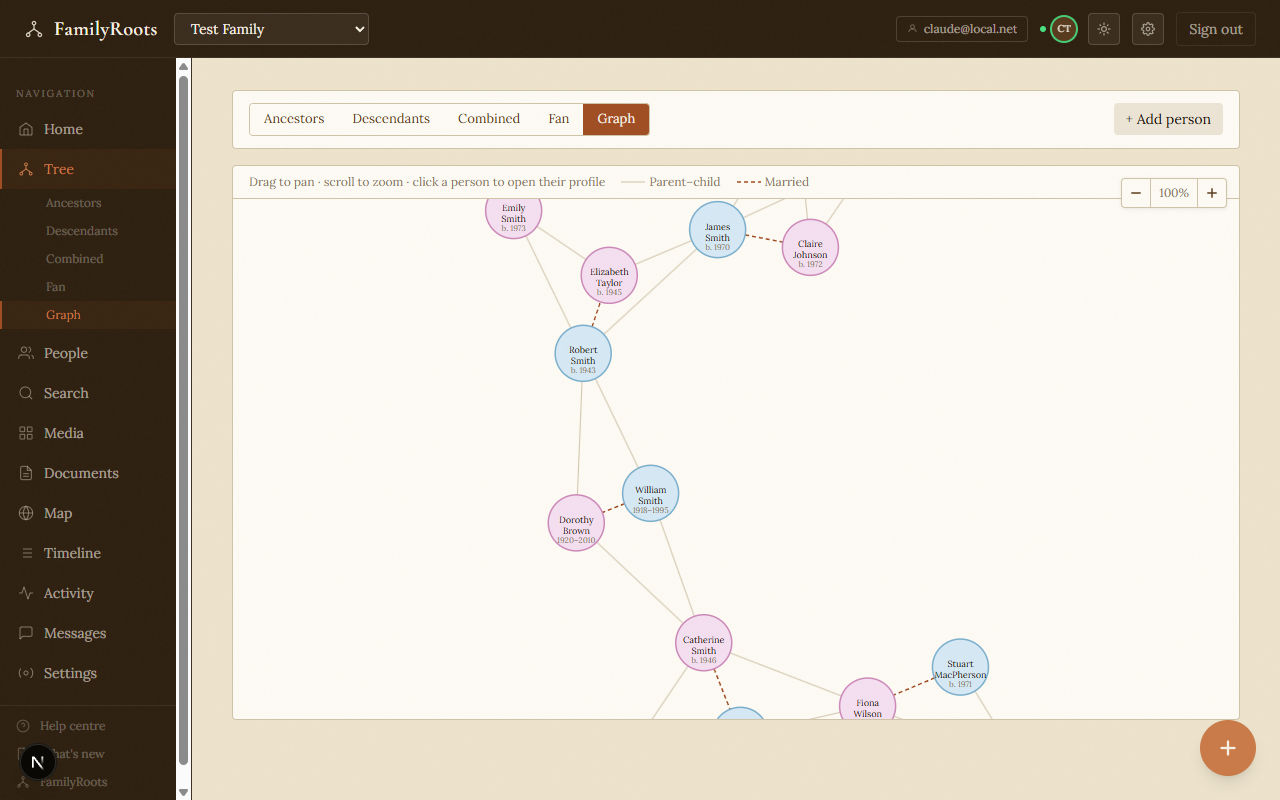
Graph view
An interactive force-directed graph showing all relationships as a network. Drag nodes, zoom, and pan freely to explore complex family structures.
Focal person selector
The Focus field at the top of every tree view is a searchable drop-down. Start typing a first name, surname, or birth year to filter the list instantly.
| Key | Action |
|---|---|
| ↑ ↓ | Move through results |
| Enter | Select highlighted person |
| Escape | Close without changing |
Navigation controls
| Action | How |
|---|---|
| Zoom in / out | Mouse wheel, or + / − buttons |
| Pan | Click and drag |
| Reset zoom & centre | Click 100% or the ⊕ button |
| Open a profile | Click a person card |
| Move focus | Click a person in ancestor, descendant, or fan view |
On touchscreens: one-finger pan, two-finger pinch to zoom, tap to open.
Print & PDF export
The Print / PDF button appears in the toolbar for ancestor, descendant, combined, and fan views. It opens a print workspace:
- Choose paper size (A3, A4, A5, Letter, Legal, Tabloid), orientation, and margins.
- Select a fit mode: Fit to page, Fit to width, Actual size (100%), or Custom scale.
- Large trees are automatically tiled across multiple pages; the preview shows each sheet.