Privacy
Protection for living people and name masking rules.
Automatic protection for living people
By default, FamilyRoots treats any person without a recorded death date as living. Their information is automatically masked for Viewer-role members:
- Name replaced with blocks (████)
- Dates and places not shown
- Full profile not accessible
Override living / deceased status
On a person's profile, in the Identity section:
- Mark as living — forces masking even if a death date is recorded.
- Mark as deceased — makes data visible to Viewers even without a death date (useful for distant ancestors whose date is unknown).
Name masking rules
Editors and Administrators can define rules to mask people by name, independently of their living/deceased status.
In Settings › Privacy:
- Click Add a rule.
- Enter a pattern (or a regular expression) matching the names to mask.
- All matching people are shown as masked.
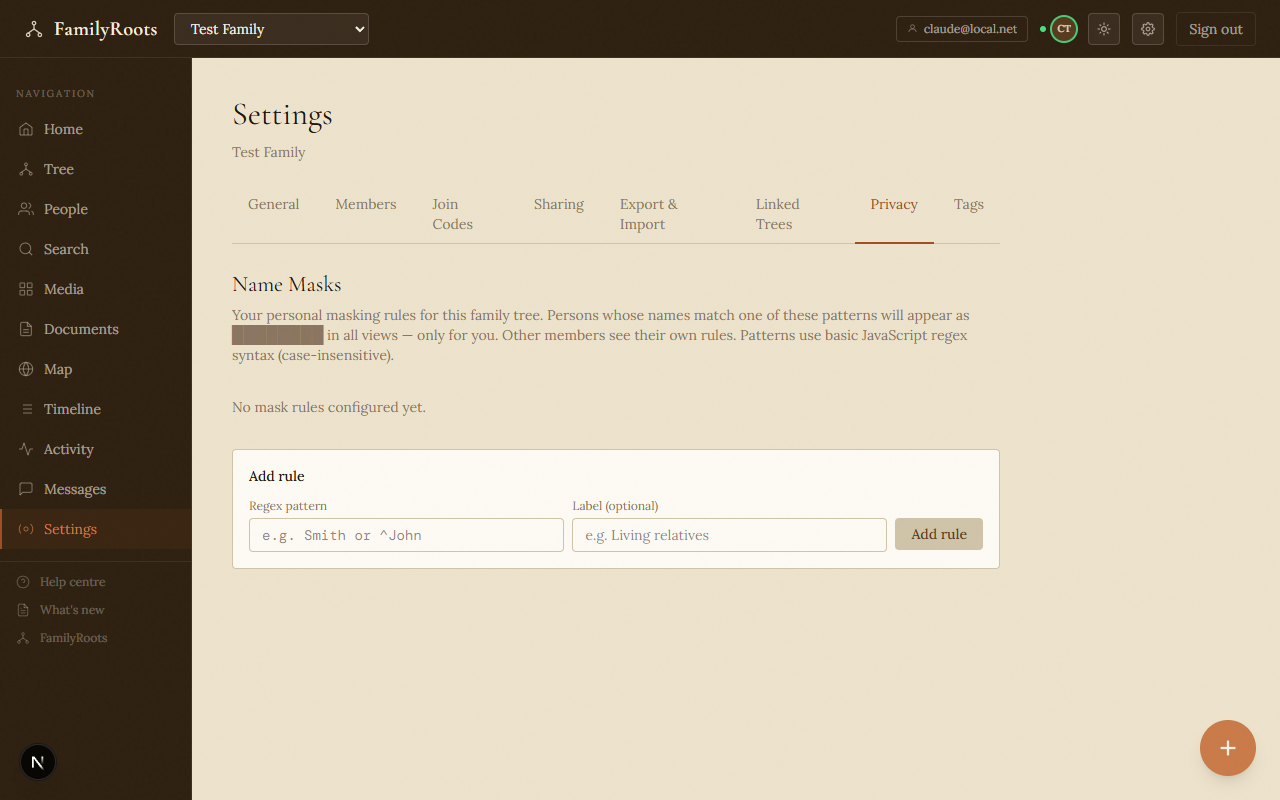
The Privacy settings tab with living-person masking options and name-rule controls.
Private notes
The Private notes section on each profile is visible only to you. It is never included in exports and is never shared with other members, regardless of their role.
Exported data
On GEDCOM and PDF export, living people are automatically anonymised — their name and personal data are replaced or omitted.